One-tap connection
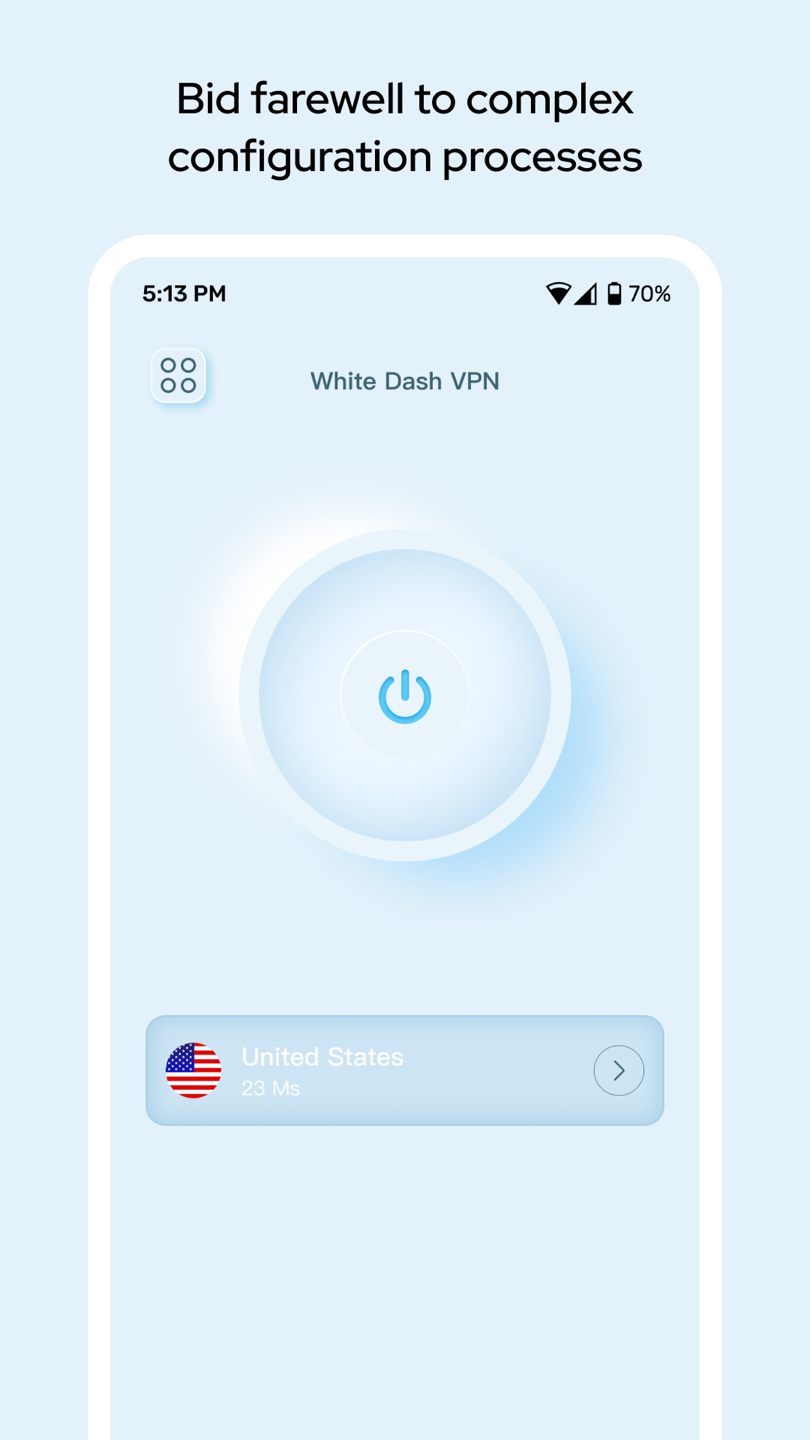
Start from a focused dashboard without a complex configuration path.
VPN for Android
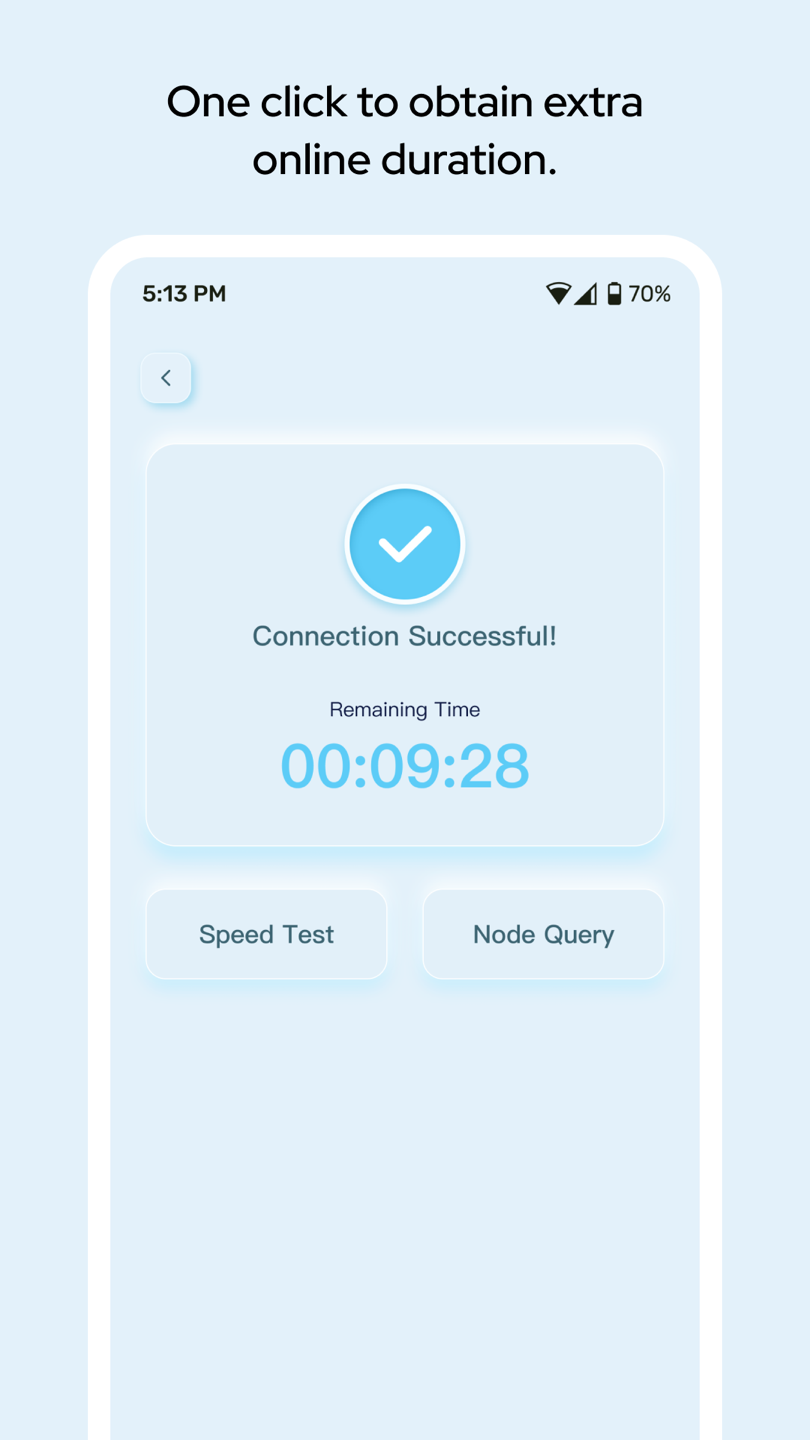
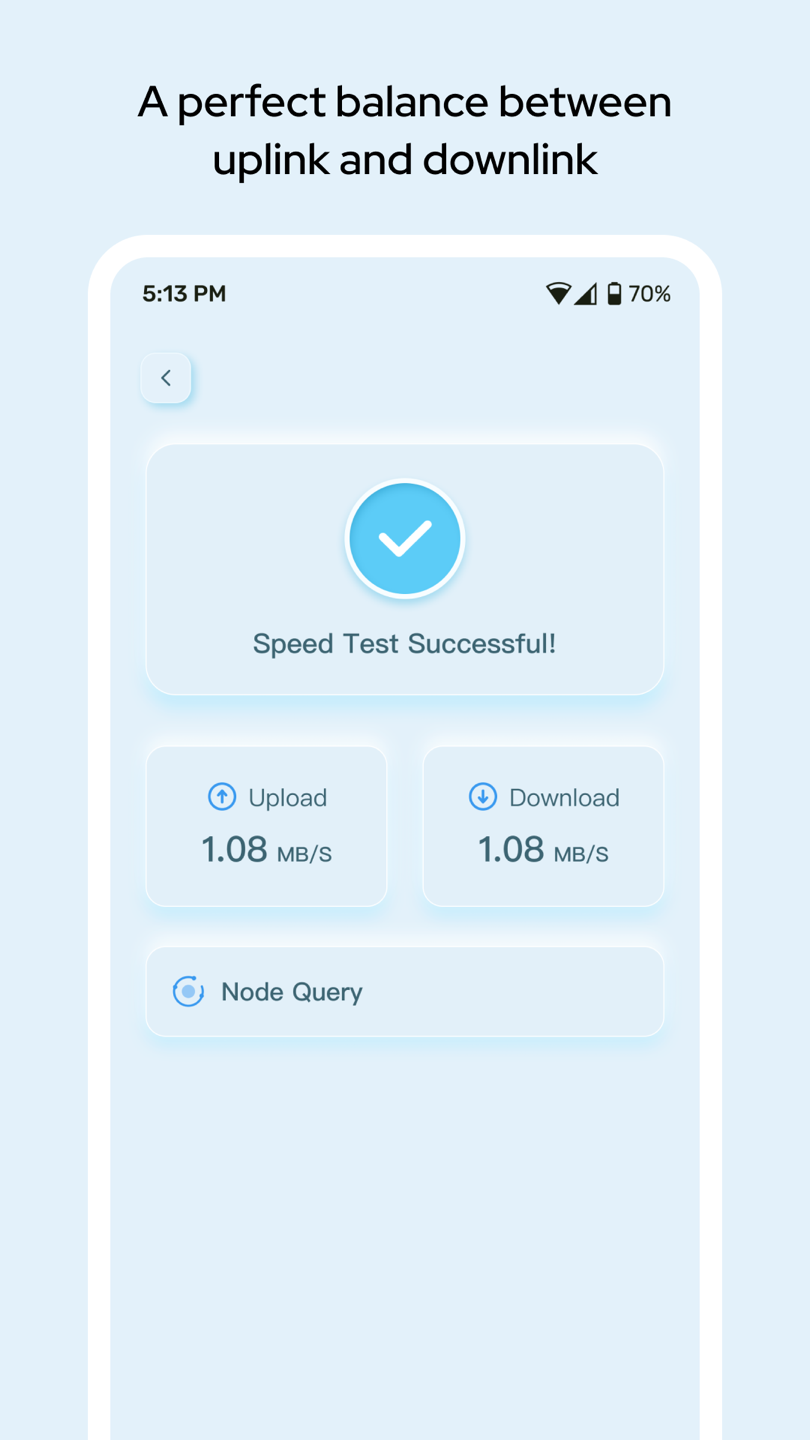
A clean control panel for connecting, choosing a server, following connection time, and checking network performance.
Available for Android · Contains ads
 INPUT
ONLINE
INPUT
ONLINE
Less interface, clearer control
White Dash VPN keeps its main controls direct: select a region, start a connection, review remaining time, and open performance tools.
Start from a focused dashboard without a complex configuration path.
Choose an available region and view its displayed response time.
Review connection time and open speed test or node query tools.
Inside the app
Know before you connect
Read the complete White Dash VPN privacy policy, including collected data, permissions, advertising partners, legal bases, and user rights.
Open the local privacy policy View the original policy source